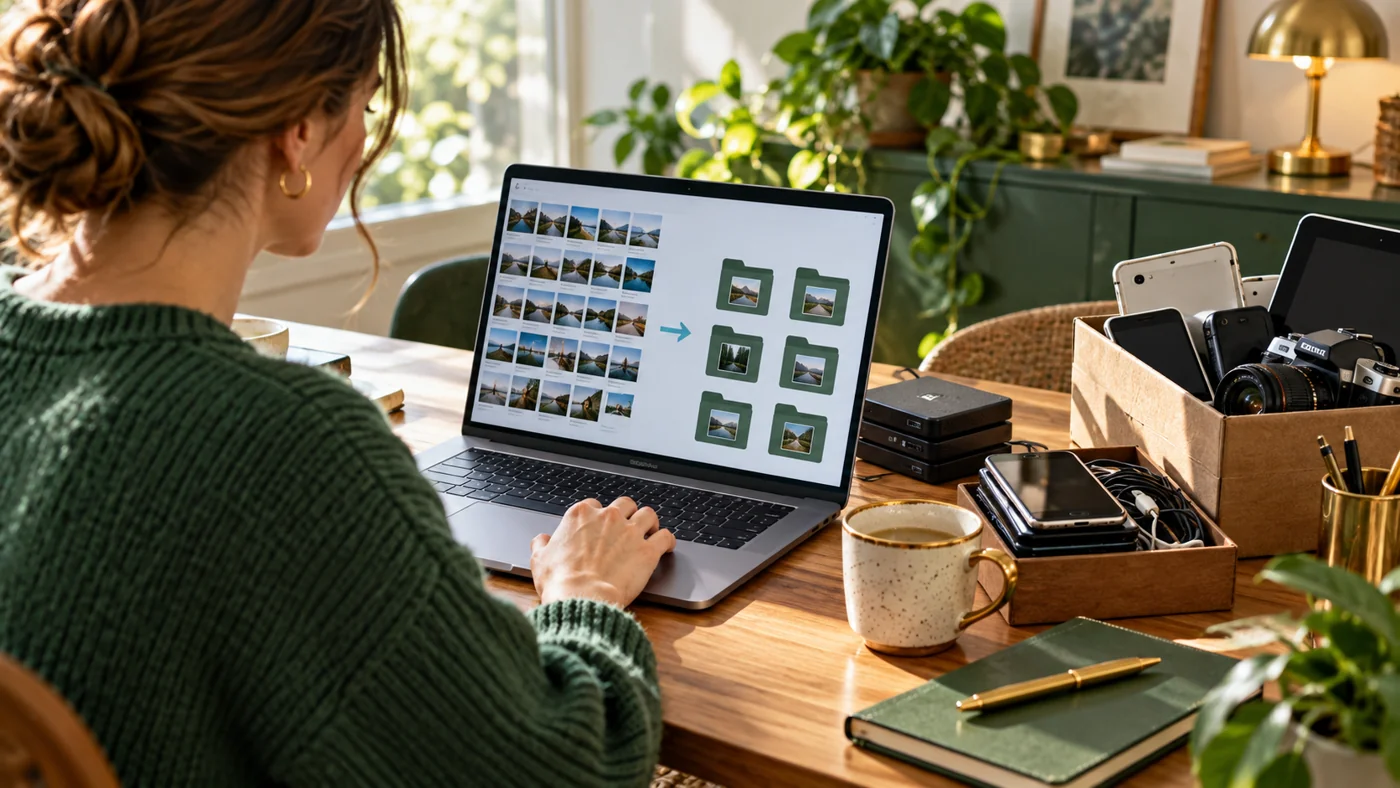
Digital decluttering should reduce confusion and unnecessary exposure without destroying records you still need. Begin with an inventory and a verified backup. Sorting first gives you a chance to recognise shared files, important originals and documents with retention requirements.
A practical workflow
- Inventory devices, drives, email accounts and subscriptions. Sort files into keep, archive, review and delete, checking ownership and sharing permissions before moving anything.
- Review old exports and duplicated personal information. Use an anonymised sample when testing a data-cleaning tool, and check whether hidden sheets or metadata also contain details.
- Review unused apps and account connections through official settings. Finish with a small maintenance routine and check that the records you chose to keep remain recoverable.
Worked example
A downloads folder may contain five copies of an invoice and one original workbook. Keep the verified records in a labelled archive, review any shared links, and remove only confirmed unwanted copies through the normal recoverable process. A 'review' folder is useful when you are unsure.
What to check before sharing
Do not delete first and investigate later, or assume removing visible names makes a dataset anonymous. Other fields and combinations can still identify someone.
A digital declutter works best when it reduces future decisions. Begin with an inventory of devices, cloud drives, email accounts and subscriptions. Do not delete first and investigate later.
Saturday: find and sort
Create four folders: keep, archive, review and delete. Search for duplicate downloads, old exports and files containing personal information. Check the owner and sharing status of cloud documents before moving them. Export only records you are required to retain.
Sunday: reduce exposure
Remove unused browser extensions, close accounts you no longer need and revoke third-party access you do not recognize. Update passwords through the service’s official settings and enable multi-factor authentication where available. Check public profile information and old shared links.
Finish by writing a small maintenance routine: one inbox sweep each week, one account review each month and one backup check each quarter. A smaller, labelled system is easier to protect than a perfect system you never revisit.
Where should I start if the task feels overwhelming?
Choose one folder or account and a short time limit. Finish its inventory, backup check and sorting before moving to another area; a small completed section is more useful than a half-sorted entire drive.