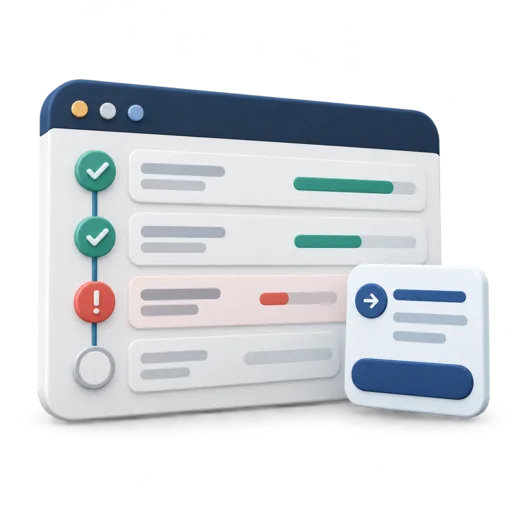
Lead with the change since the last update
State the reporting period, current target and overall status. Then explain the most important change. “Testing is amber” is less useful than “Two approval checks remain incomplete, putting the planned release date at risk.” Use the status definitions your team has agreed.
Colour should support the words, not carry the message alone. Write “On track”, “At risk” or “Blocked” alongside any colour. If you do not have agreed thresholds, explain the judgment directly instead of inventing precise-looking scoring.
Use this decision-first example
The following fictional update shows how a short report can connect evidence to a request.
Project: Customer booking update
Report date: 26 October 2026
Status: At risk — approval capacity
Target: Release after the agreed acceptance checks are complete.
What changed: Build work is complete, but two acceptance checks await the service owner. No release approval has been recorded.
Decision needed: Confirm an available reviewer by 28 October, or agree a revised release date. Project sponsor owns the decision.
Next action: Project lead to circulate the check results and proposed review slots today.
The update does not promise a release before approval. It explains the dependency and the decision that can resolve it.
Show milestones rather than every activity
| Milestone | Evidence | Next checkpoint |
|---|---|---|
| Build complete | Version ready for acceptance review | Track defects raised during checks |
| Acceptance review | Two checks remain open | Reviewer and date to be confirmed |
| Release approval | Not yet recorded | After acceptance criteria are met |
Use links to approved records where recipients have access. Report a milestone as complete only when its definition of done is satisfied. “Ninety percent complete” can hide the one approval that prevents delivery.
Write risks and issues differently
An issue is happening now; a risk might happen. “The reviewer is unavailable” is an issue. “A late defect could require another test cycle” is a risk. Give each an owner, the consequence and the next response. Avoid filling the report with risks that have no connection to a decision.
Escalate in time for the recipient to act. State the latest useful decision date and what will happen if the decision is delayed. Do not hide a request in the final paragraph after several pages of completed tasks.
Make the update consistent and short
Use the project status tool to record milestones, achievements, blockers and next actions. Reuse the same reporting rhythm and definitions so readers can compare updates. Keep detailed task management in the underlying project record.
Before sharing, ask: can a reader identify the status, the evidence and the requested decision in thirty seconds? Follow the project status report guide for the basic structure, and use a meeting recap to record the decision once it is made.
Create your stakeholder update using your own information. Review the result before exporting or sharing.
Create your stakeholder update →